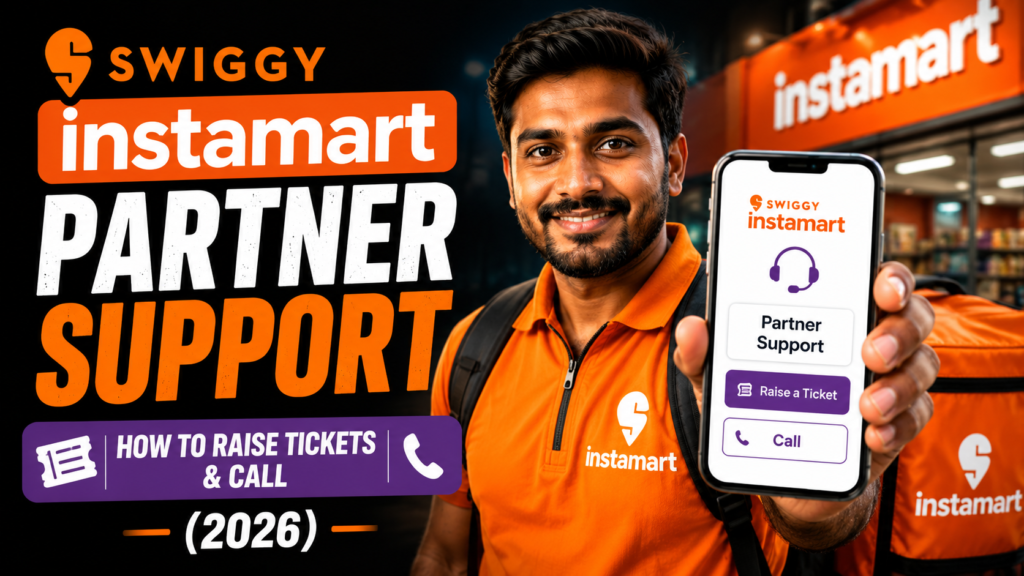
In 2026, delivering quick-commerce groceries on Swiggy Instamart requires responsive, reliable partner support. Operating out of centralized dark store pods across India, delivery executives handle high-velocity order batches, bulky grocery items, and rapid turnaround times. When operational hurdles occur—such as customer address confusion, broken grocery seals, heavy crate surcharges missing from payouts, or pod queue delays—knowing how to utilize swiggy instamart partner support is crucial.
Swiggy Instamart’s support architecture combines on-site dark store team leadership with advanced digital ticketing and real-time live chat. For urgent on-road situations, riders can connect directly with support agents within seconds or trigger emergency SOS assistance. For payout queries and profile updates, structured in-app tickets ensure documented, auditable resolutions.
In this comprehensive 2026 support guide, we break down Swiggy Instamart’s partner care channels, in-app ticket creation procedures, pod team lead coordination, emergency protocols, and best practices to resolve grocery delivery issues without delay.
Swiggy Instamart Partner Support Channels (2026)
Swiggy Instamart provides four integrated support channels for delivery executives:
- In-App Live Chat (Active Deliveries): Real-time digital chat with partner care agents for live order issues (e.g., customer unreachable, damaged packaging, wrong location).
- Dark Store Pod Lead (TL) Support: On-site managerial assistance at your assigned Instamart pod for order de-batching, bag replacements, and crate weight checks.
- In-App Ticket Helpdesk (Payouts & Adjustments): Structured ticketing system for Wednesday payout reconciliation, heavy crate bonus claims, and referral rewards.
- 24×7 Emergency Safety SOS: Immediate voice escalation hotline for road accidents, medical emergencies, or safety threats during active shifts.
Swiggy Instamart Support Channel Matrix (2026)
| Support Channel | Access Mode | Availability | Best Suited For | Typical Resolution Time |
| In-App Live Chat | Partner App > Help > Active Order | 24×7 During Active Shifts | Customer unreachable, address error, packaging leak | 30 – 60 Seconds |
| Emergency SOS Hotline | Tap Red In-App SOS Button | 24×7 Continuous | Road accidents, medical emergencies, safety threats | Instant (<15 Seconds) |
| Dark Store Pod Lead | In-Person at Pod Counter | During Pod Shift Hours | Order de-batching, bag swap, physical crate issues | Immediate On-Site |
| In-App Ticket Helpdesk | Profile > Help > Payouts | Daily (8 AM – 10 PM) | Missing heavy crate pay, weekly payout query | 2 – 4 Hours |
Discover high-paying quick-commerce dark store delivery vacancies with low fuel expenses and weekly bank deposits. Explore open roles in your city today.
Step-by-Step Guide: How to Raise a Support Ticket on the Swiggy Partner App
Follow these 4 steps on the official Swiggy Delivery Partner Portal:
Step 1: Open the Help Section Tap your profile icon and select ‘Help & Support’ (सहायता) in the Swiggy Partner app.
Step 2: Select the Relevant Category Choose the issue category (e.g., ‘Earnings & Payouts’, ‘Shift Booking’, ‘Instamart Pod Issue’, or ‘Order Feedback’).
Step 3: Enter Details & Upload Proof Describe your query clearly and attach relevant screenshots, order IDs, or payout statement slips.
Step 4: Submit & Track Resolution Submit your ticket to receive a tracking ID. Support agents will review and resolve the issue within 2 to 4 hours.
Road Safety & Accidental Insurance Assistance
Under partner welfare standards monitored by the Ministry of Labour and Employment:
- Immediate SOS Response: Tapping the SOS button dispatches emergency medical assistance and alerts Swiggy’s incident response team.
- Accidental Medical Hospitalization Cover: Swiggy provides up to ₹2,00,000 emergency medical insurance and ₹10,00,000 accidental cover during active shift hours.
- Preserve Invoices & Police Reports: Keep all hospital discharge summaries and police MLC reports to ensure swift claim reimbursement.
Frequently Asked Questions (FAQs)
How do I contact Swiggy Instamart support during an active delivery?
Tap the ‘Help’ button on your active delivery screen in the Swiggy Partner app to connect with a live support agent within 60 seconds.
What should I do if a grocery item leaks or breaks during delivery?
Report the spillage immediately through in-app live chat. The agent will cancel the affected item or order, and you will not be penalized for transit damage.
How can I claim a missing heavy crate surcharge on Swiggy Instamart?
Go to Help > Earnings > Crate Surcharge Discrepancy, enter the order ID, and support will credit the bonus to your wallet.
Can I get immediate help at the Instamart dark store pod?
Yes! Your dark store Pod Team Lead (TL) is present on-site to assist with order dispatch issues, bag replacements, and shift coordination.
What is the emergency helpline number for Swiggy Instamart riders?
Swiggy partners can access the 24×7 emergency helpline directly by tapping the red ‘SOS’ button in the Swiggy Delivery Partner app.
Start earning up to ₹35,000 monthly delivering 10-minute groceries on Swiggy Instamart. Complete your quick online registration and hit the road this week.
Conclusion
Navigating Swiggy Instamart partner support effectively ensures smooth dark store operations, protects your ratings, and guarantees safety on the road. By utilizing in-app chat, pod team lead coordination, and structured ticketing, you can resolve operational challenges effortlessly and focus on maximizing your daily earnings.